Introduction
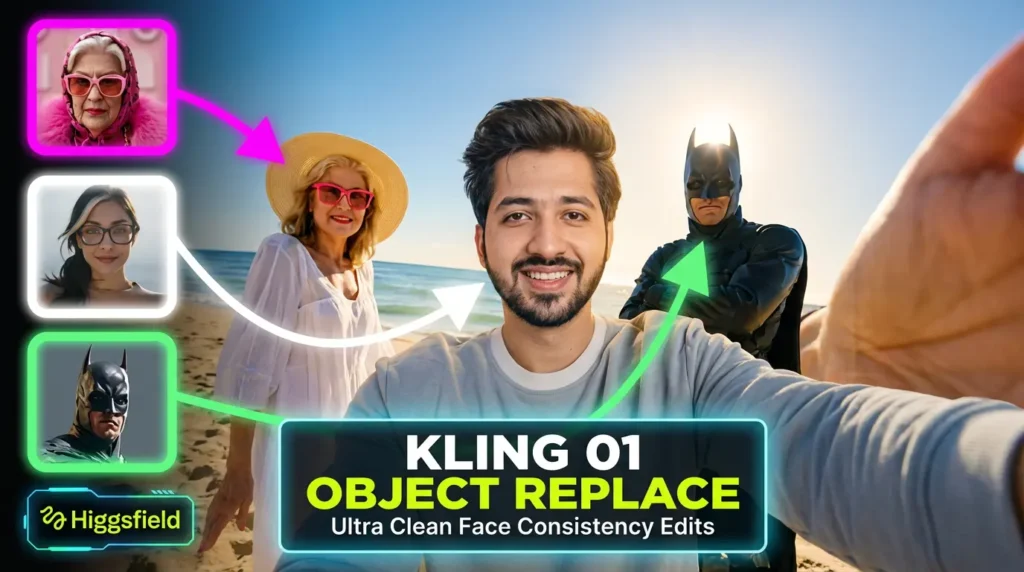
Kling O1 is a next-generation video engine that combines text, images, and video into a single platform. It allows creators to turn ideas into high-quality cinematic videos without needing multiple tools or technical expertise. Characters, props, and scenes remain consistent across all shots, giving your projects a professional look.
With Kling O1, you can generate videos from text, convert images into dynamic video clips, and edit existing footage using simple natural-language instructions. It streamlines the workflow for filmmakers, marketers, content creators, and storytellers.
Key Features
| Feature | Description |
|---|---|
| Multimodal Inputs | Use text prompts, reference images, or short video clips to create videos. Kling O1 understands all input types and produces accurate results. |
| Text-to-Video | Generate 3–10 second cinematic clips directly from natural language descriptions. You can specify scene, action, mood, and style. |
| Image-to-Video & Multi-Reference | Upload multiple images to maintain consistency in characters, props, and settings across scenes. Ideal for ads, storytelling, or animations. |
| Unified Generation + Editing | Generate and edit videos within the same platform. Remove objects, change backgrounds, adjust lighting, and restyle visuals using simple commands. |
| Shot Extension & Frame Transitions | Supply start and end frames to create smooth scene transitions or extend a clip seamlessly. |
| Scene & Character Consistency | Characters, props, and environments remain unchanged across different angles and scenes for professional results. |
| Flexible Clip Duration | Videos are 3–10 seconds long, suitable for social media, ads, and short storytelling sequences. |
| Natural-Language Editing | Edit clips without technical knowledge. Commands like “remove bystanders,” “change lighting to sunset,” or “switch outfit color” work effortlessly. |
Who Can Use Kling O1
Kling O1 is perfect for a wide range of users:
- Filmmakers and Directors: Previsualize scenes, test camera angles, and create cinematic drafts.
- Content Creators and Influencers: Produce YouTube, TikTok, Instagram, or other social media clips quickly.
- Marketers and Advertisers: Create product ads, branded videos, and promotional content efficiently.
- Fashion Creators and Brands: Generate virtual lookbooks, runway sequences, or stylized promotional clips.
- Educators and Storytellers: Produce explainer videos, tutorials, and storytelling sequences.
- Hobbyists and Independent Creatives: Turn sketches, photos, and ideas into cinematic short videos.
How to Use Kling O1
- Define Your Idea
Decide on the scene, characters, mood, camera movement, and style. A clear idea ensures the best results. - Choose Your Input
Upload reference images, a short video clip, or use a text prompt. Multiple references improve consistency. - Write Clear Prompts
Describe the scene, action, mood, or style in natural language. For example:
- “A woman walking through a neon city street at night, camera panning left, cinematic lighting.”
- Reference images can be included to maintain outfit, character, or prop consistency.
- Generate the Video
Kling O1 will produce a 3–10 second clip. Review for consistency, camera movement, lighting, and style. - Edit or Refine
Use natural-language instructions to remove objects, change background, adjust lighting, or restyle visuals. - Extend Scenes (Optional)
Supply start and end frames for smooth transitions, or combine multiple clips to create longer sequences. - Export & Use
Export your final video for social media, marketing campaigns, ads, or personal projects.
Frequently Asked Questions
Q: What makes Kling O1 different from other AI video tools?
A: Kling O1 combines video generation, editing, restyling, and scene extension in a single platform. Unlike other tools, it does not require multiple apps or manual editing.
Q: Can I generate videos using only text?
A: Yes, you can create videos solely from natural-language prompts without images or clips.
Q: Do I need technical skills to use Kling O1?
A: No. It is designed for users without video editing experience. You only need to write clear instructions.
Q: How long are the generated clips?
A: Videos are typically 3–10 seconds, ideal for social media, ads, or short storytelling.
Q: Can I maintain consistency across multiple scenes?
A: Yes. Characters, props, and settings remain consistent even with different angles, lighting, or backgrounds.
Q: Can existing videos be edited?
A: Yes. Kling O1 allows editing of existing footage, including object removal, background changes, style adjustments, and scene extensions.
Conclusion
Kling O1 is an all-in-one video creation engine that simplifies professional video production. It combines generation, editing, and restyling in one platform, keeping visuals consistent and maintaining full creative control.
Whether you are a filmmaker, marketer, content creator, educator, or hobbyist, Kling O1 makes it possible to create cinematic-quality videos quickly and efficiently.